What llms.txt is, and how we added one to our site
A plain-English look at llms.txt, the proposed markdown file that gives AI assistants a short map of your site, what it can and can't promise, and how we wrote and tested our own.

Websites have had little notes for robots for decades. robots.txt tells crawlers where they may go, and sitemap.xml lists every page. llms.txt is a newer note with a different reader in mind: the AI assistant or coding agent that lands on your site mid-conversation and needs to figure out what you actually do. Jeremy Howard published the proposal on llmstxt.org in September 2024 and revised it as v2 in August 2026. The pitch is simple. Web pages are built for people, wrapped in menus, scripts and cookie banners, and an agent has a limited context window. So you hand it one short markdown file at /llms.txt that says who you are and where the good stuff lives.
The format is refreshingly small. The file starts with an H1 holding the name of the site or project, and that heading is the only required part. Next comes a blockquote with a one or two line summary, then any extra notes as plain paragraphs or lists. After that, H2 sections each hold a list of markdown links, with an optional colon and a short note after each link. A section called Optional is the conventional place for links an agent can skip when it is short on room. Because it is plain markdown, people can read it and simple scripts can parse it. Here is a made-up example for a tiny shop:
# Juniper Paper Co.

> Juniper Paper Co. makes recycled notebooks and ships them from a small workshop.

All prices are in USD. We do not take custom orders.

## Products

- [Notebooks](https://example.com/notebooks.md): Sizes, paper weights and prices
- [Shipping](https://example.com/shipping.md): Where we ship and how long it takes

## Optional

- [Our story](https://example.com/about.md)For a small studio the case is modest. When someone asks an assistant what we sell, we would rather it read a tidy summary we wrote than guess from a page full of buttons. It costs one text file. Now the honest part. llms.txt is a proposed convention, not a web standard, and no one is obliged to read it. The proposal says coding agents use these files and that thousands of sites publish one, but we could not find a public statement from a major AI provider saying their chat assistant looks for it on ordinary websites. So we treat it as cheap, polite housekeeping. We have no traffic or ranking numbers to show from it, and we are not going to pretend otherwise.
Our own llms.txt lives in the public folder of our Next.js site, so it ships at the root with no code at all. It opens with the studio name and the same one-line description as our home page, then lists products, services and the tech blog. We recently gave the Night Sky UI Kit its own nested entries for Star Cursor, Night Sky and Aurora Glow, each linking to its component page with a short, factual note and the price. Files like this rot quietly when URLs change, so a small test in test/seo.spec.ts reads the file and checks that the product pages, including all three component links, are still in it. If one goes missing, the build tells us before a robot does.
# lhcreative.studio

## Products

- [Night Sky UI Kit](https://apps.lhcreative.studio/catalog/night-sky-ui-kit): Star cursor, starfield, and aurora glow React components. $19 for the full kit or $9 per component.
  - [Star Cursor](https://apps.lhcreative.studio/catalog/night-sky-ui-kit/star-cursor): A shooting star cursor for React. ...
  - [Night Sky](https://apps.lhcreative.studio/catalog/night-sky-ui-kit/night-sky): A night sky background effect for React. ...
- [Aurora Glow](https://apps.lhcreative.studio/catalog/night-sky-ui-kit/aurora-glow): An aurora glow background effect for React. ...More articles

Tell Google who you are with a few lines of code
Small business names collide, and search engines have to guess which one you meant. Organization structured data is one way a site owner can stop them guessing. Here's what it is, what we put in ours, and how to test it.

How visitors book a call on our site
Picking a time with us takes a few clicks and never leaves the page. Here is how the booking calendar on our site works, and the small checks that stop two people grabbing the same hour.
Meet the Night Sky UI Kit
Three animated React components for dark, night-sky themed sites: a star cursor, a twinkling starfield and a soft aurora glow. Here is what's inside and how to add it.

Behind the Star Cursor
How the Star Cursor draws its comet tail and sparkle dust, and why it quietly steps aside on touch screens and for anyone who prefers reduced motion.

The Science of Music
Why a good chorus gives you chills, why the Mozart effect fizzled, and why some songs refuse to leave your head. Here is what the research actually says about music, mood and focus.
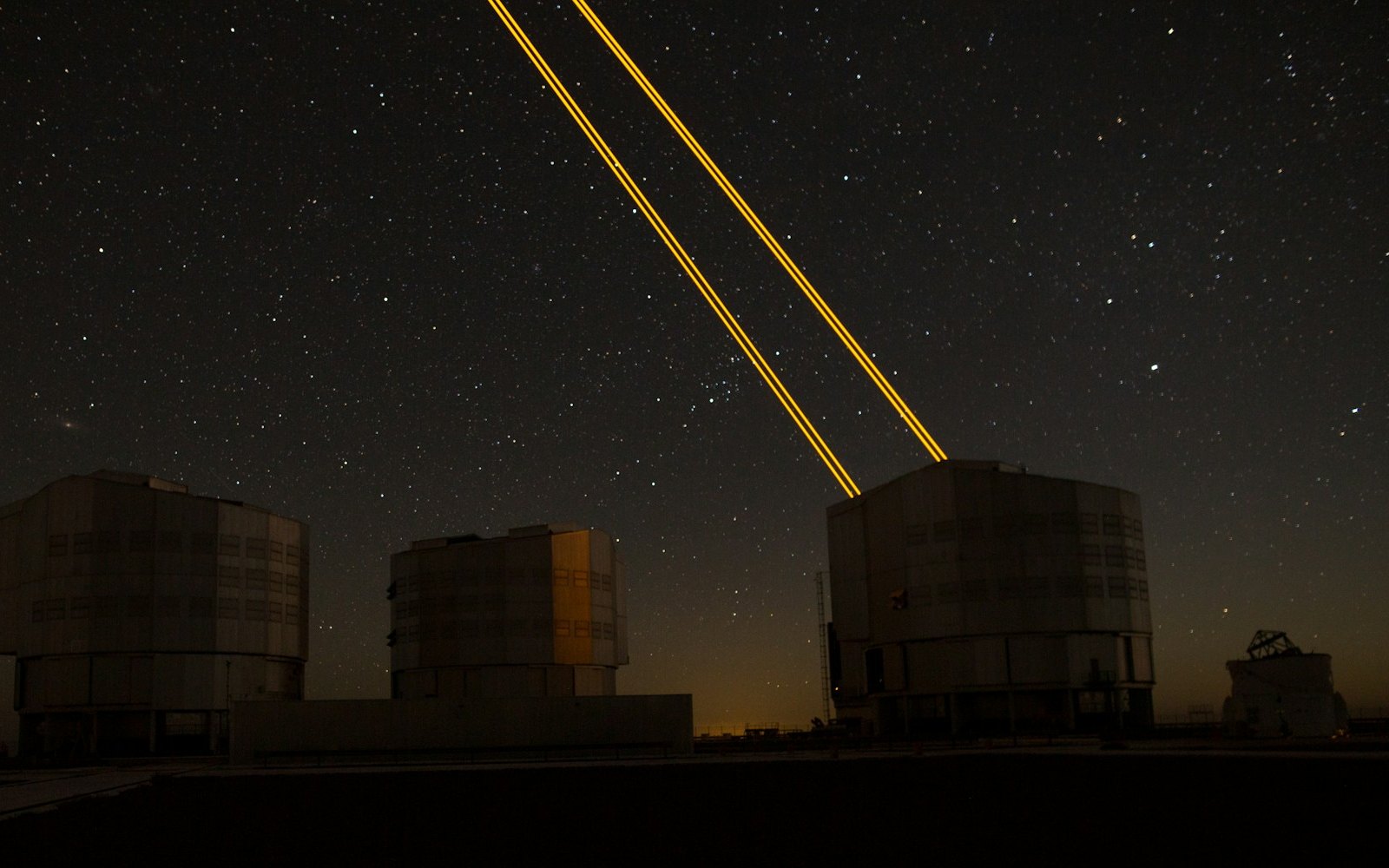
What is LaserSETI?
LaserSETI is a growing network of rooftop cameras that watch huge patches of the night sky for a single-color flash of light. Here is how it works, where the stations are in 2026, and what it has (and has not) found.
Most of the Light Around You Is Invisible
Our eyes catch only a thin band of all the light there is, from violet to red. Here is what we miss, which animals see more of it, and how we use the invisible rest every day.

5 trendy UI effects
A star cursor with a comet tail, frosted glass panels, scroll-driven animation, smooth page transitions and gradients that actually move, plus the one tip we would give for each.
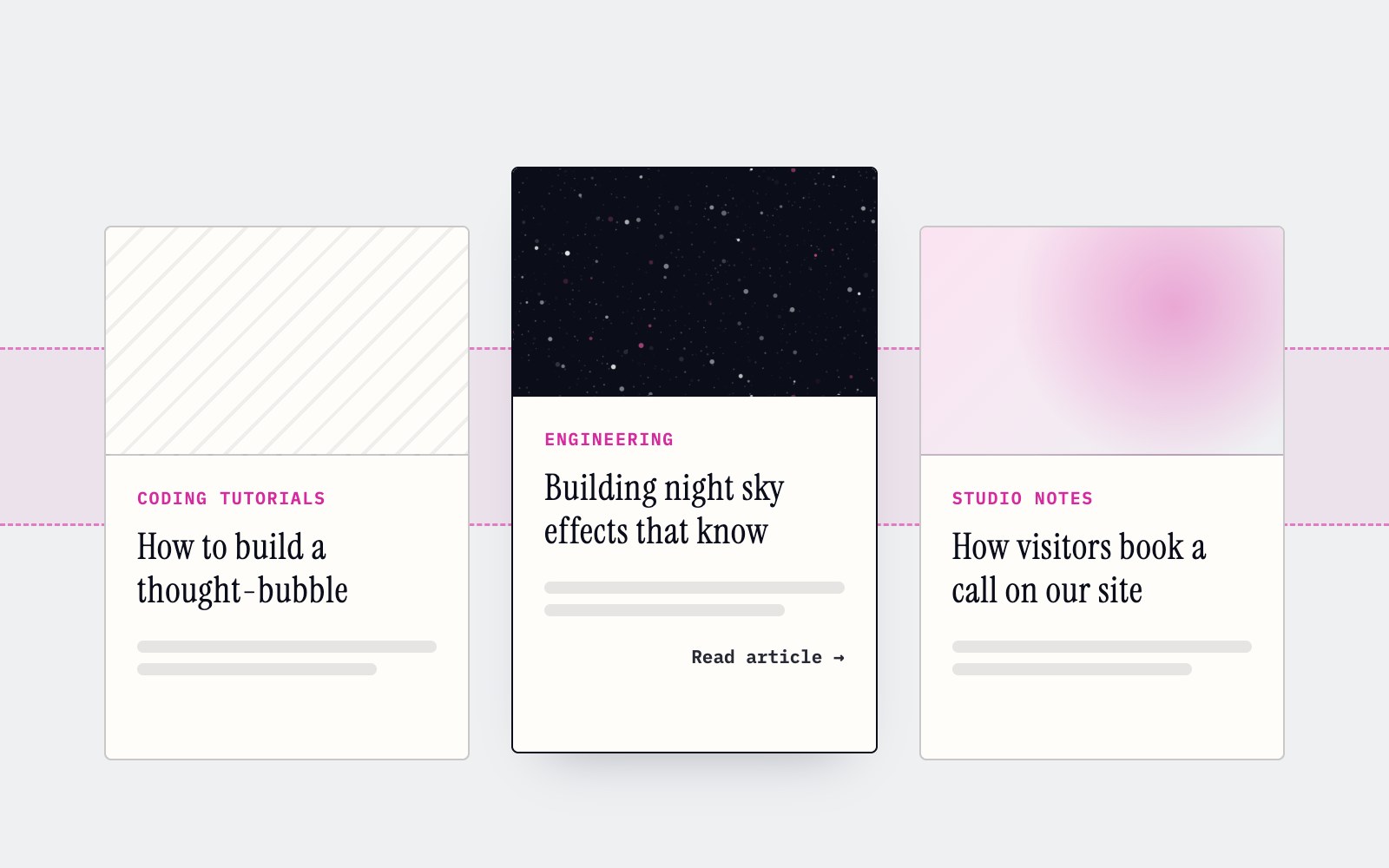
How to make cards lift as you scroll on a phone
Phones can't hover, so our blog cards used to sit flat on mobile. Here's the small CSS class and IntersectionObserver we use to lift whichever card is in the middle of the screen as you scroll.
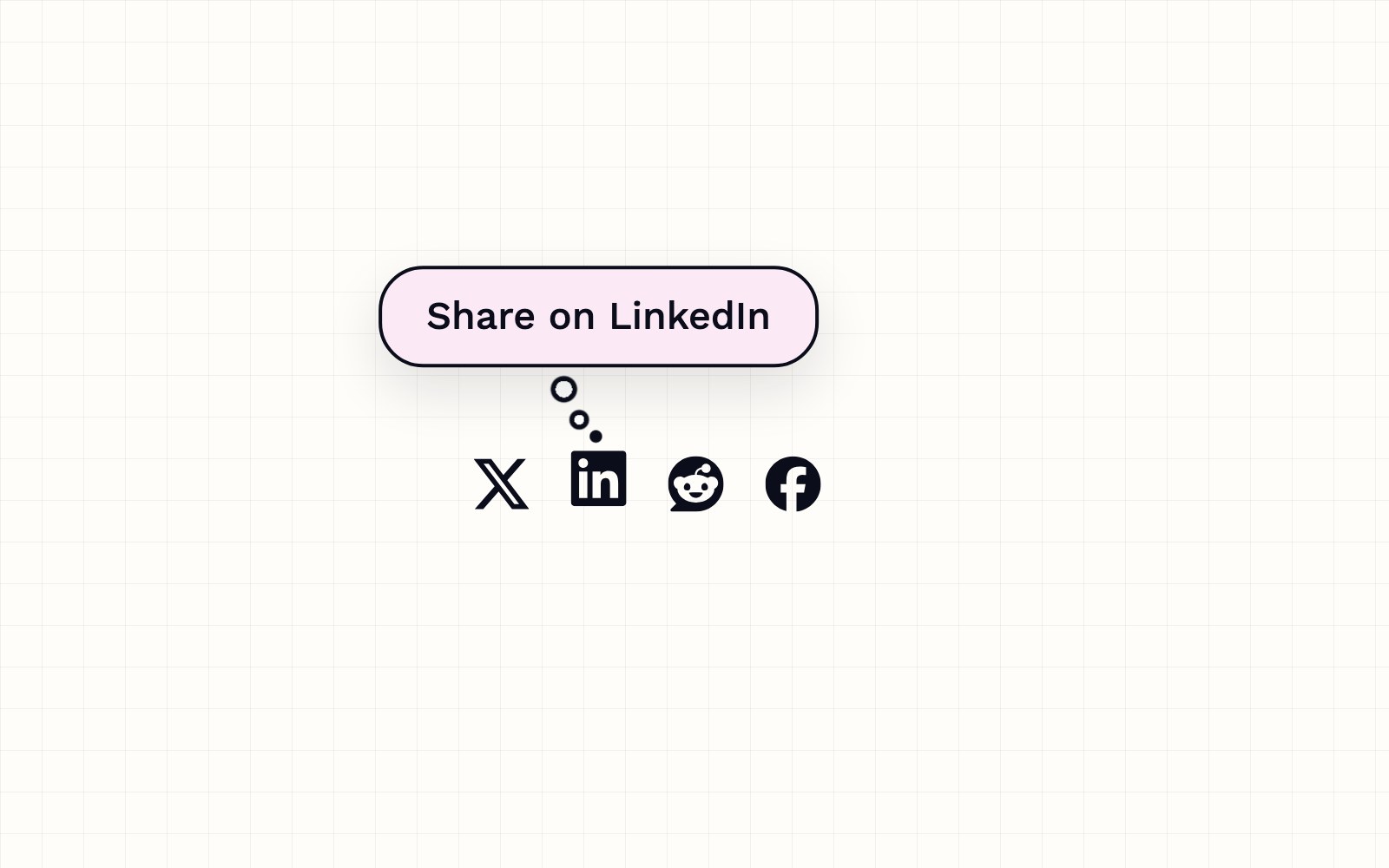
How to build a thought-bubble tooltip with pure CSS
A step-by-step CSS tutorial for a tooltip that reads its label from a data attribute, pops up in a rounded bubble, trails off in three little circles and stays clickable, with no JavaScript.

Building night sky effects that know when to sit out
How the Night Sky UI Kit's star cursor, starfield and aurora check the visitor's device and settings before they draw a single frame.

How you can set up pull requests to get an automatic first review
Give every pull request an automatic first review the moment it opens, and send each new pull request and its review to a dedicated Slack channel. Here is how the pieces fit.
Inside our resumable, review-gated video production pipeline
How we built a local seven-step pipeline that turns a history topic into a captioned video, with resumable state, bounded retries, and a human review gate.