How you can set up pull requests to get an automatic first review
Give every pull request an automatic first review the moment it opens, and send each new pull request and its review to a dedicated Slack channel. Here is how the pieces fit.

Nobody enjoys being the first reviewer on a pull request. Before you reach the interesting part, you have to hunt for the forgotten debug line, the password someone pasted in by accident and the function that quietly swallows its errors. A first review hands that chore to an AI model. The moment a pull request opens, a small service reads the changes and leaves a real review on GitHub: approve, or request changes, with a short note explaining why. A person still makes the final call. The difference is that by the time they sit down, the obvious problems are already on the table, and the whole team can see them in Slack.
How the pieces fit
There are three parts. GitHub is the doorbell: it can send a webhook, an HTTP POST describing the event, to an address you choose whenever something happens in a repository, such as a pull request being opened. Your service is the reader: it receives that message, fetches the changes and asks an AI model to review them the way a careful senior engineer would. The review is the result: the service posts it back on the pull request, and can also announce it in a Slack channel set aside for pull requests.
None of this needs a big server. Any small web endpoint that can accept a POST request and make a few API calls will do, whether that is a serverless function, a tiny app on a cheap host or a spare machine under a desk. It sits idle most of the day and only wakes up when a pull request arrives, which makes it one of the cheapest colleagues you will ever have. The Slack part is optional, but once pull requests come to you, going back to refreshing the pull requests tab feels like checking the mailbox every ten minutes.
Setting up the reviewer
Your webhook address is public, so anyone can knock. When you create the webhook in GitHub, give it a long random secret. GitHub then signs every delivery and sends the signature in the X-Hub-Signature-256 header. Your service computes the same HMAC-SHA256 signature over the raw request body and compares the two with a constant-time check, not a plain equals. No match, no review. Subscribe only to pull request events, and check the action before doing any work. Opened, reopened, synchronize (new commits pushed) and ready_for_review cover most cases. Someone renaming a label does not need an AI opinion.
GitHub expects a response within 10 seconds, or it counts the delivery as failed. An AI review nearly always takes longer, so reply straight away and do the thinking in the background with a queue or background task. Then fetch the diff and put a size cap on it, so a pull request that touches a thousand files does not run up your bill. Finally, write the prompt like a job description: look for real bugs, leaked secrets, injection risks and missing error handling. Tell it that style nits deserve a mention but never a block, or people will learn to ignore it within a week.
Posting the review on GitHub
Ask the model for structured output with two fields: an outcome, either approve or request changes, and the review text. Then post it through GitHub's API for creating a pull request review, which accepts an event of APPROVE, REQUEST_CHANGES or COMMENT. Use the first two. A proper review shows up in the pull request's review status, where it counts, instead of drifting down the comment thread. Make one rule non-negotiable: the outcome and the text must agree. A review that says ship it while formally requesting changes is worse than no review at all.
Give the reviewer its own identity, such as a GitHub App or a separate bot account, with only the permissions it needs. That makes it obvious which reviews came from the machine, and it sidesteps a quirk: GitHub does not let authors approve their own pull requests, so a reviewer posting under your personal account can never approve your work. Have it skip pull requests that it or other automations opened, too. Two bots politely reviewing each other's reviews forever is funny exactly once, and then it is just a very long thread.
A pull request channel, the quick way
Reviews on GitHub are useful, but most teams live in Slack. A dedicated channel where every new pull request appears means nobody has to remember to go looking. The fastest way to get one is GitHub's official app for Slack. Once a workspace admin has installed it, create a channel just for pull requests, invite the app with /invite @github, connect your GitHub account when it asks, and run /github subscribe owner/repo in that channel. From then on, new and merged pull requests show up there without any code on your side.
Out of the box, the subscription is chatty. It also covers issues, commits to the default branch, releases and deployments. To keep the channel about pull requests, trim it with /github unsubscribe owner/repo issues commits releases deployments, then add reviews with /github subscribe owner/repo reviews. The app groups each pull request into a thread whose top message shows its latest status, and reviews land in that thread. Because your automatic reviewer posts a real GitHub review, its outcome appears in Slack next to everyone else's, and you have not written a single line of Slack code.
A pull request channel with your own bot
If you want the message in exactly your format, say a one-line summary of the review with the outcome up front, build a small Slack app of your own. Create it in Slack's app settings, add the chat:write scope under Bot Token Scopes on the OAuth and Permissions page, and install it to your workspace. That gives you a bot token, which belongs to the app rather than to a person, so it keeps working if whoever installed it leaves. Store it like the webhook secret: in an environment variable or secret store, never in the repository.
Next, create the pull request channel and invite your app with /invite followed by its name. New Slack apps cannot post in channels they have not joined, and trying anyway is how you meet the not_in_channel error. When a pull request opens, have your service call Slack's chat.postMessage method with the channel ID, the title, the author and a link. When the review is done, post the outcome as a reply by passing that first message's timestamp as thread_ts, so each pull request gets its own tidy thread. If you only need one-way posting, an incoming webhook URL tied to that channel also works. Treat it as a secret too.
Keeping it safe and sensible
Models occasionally return something that is not valid JSON, or an outcome you never asked for. Decide in advance what happens then, and fail closed: if the output cannot be read, or the outcome is not one of the two allowed values, treat it as request changes with a note asking a human to take a look. A reviewer that fails closed will sometimes annoy you, but it will never wave through something it did not actually check. And when your size cap cut the diff short, say so in the review, so nobody assumes every line was read.
Keep the humans in charge. A branch rule that requires approving reviews before merging, with the count set high enough that a person must approve too, keeps the automatic review a helpful first pass rather than a rubber stamp. Keep Slack light, too: one message per pull request with the review in its thread is plenty, and Slack's docs say chat.postMessage generally allows about one message per second per channel anyway. Then watch how people use it. If they start muting the channel or skimming past reviews, tighten the prompt and trim the subscription. A channel people read beats a thorough one they ignore.
That is the whole setup: a doorbell you can trust, a quick reply, a clear job description, a result that says what it means, and one Slack channel where every pull request and its first review show up together. An automatic first review will not replace the person who knows why the code exists, and it is not meant to. It just means that when a human opens the pull request, the leaked key, the missing error check and the obvious bug are already flagged. After a few weeks, opening a pull request without one feels like leaving the house without checking for your keys.
More articles
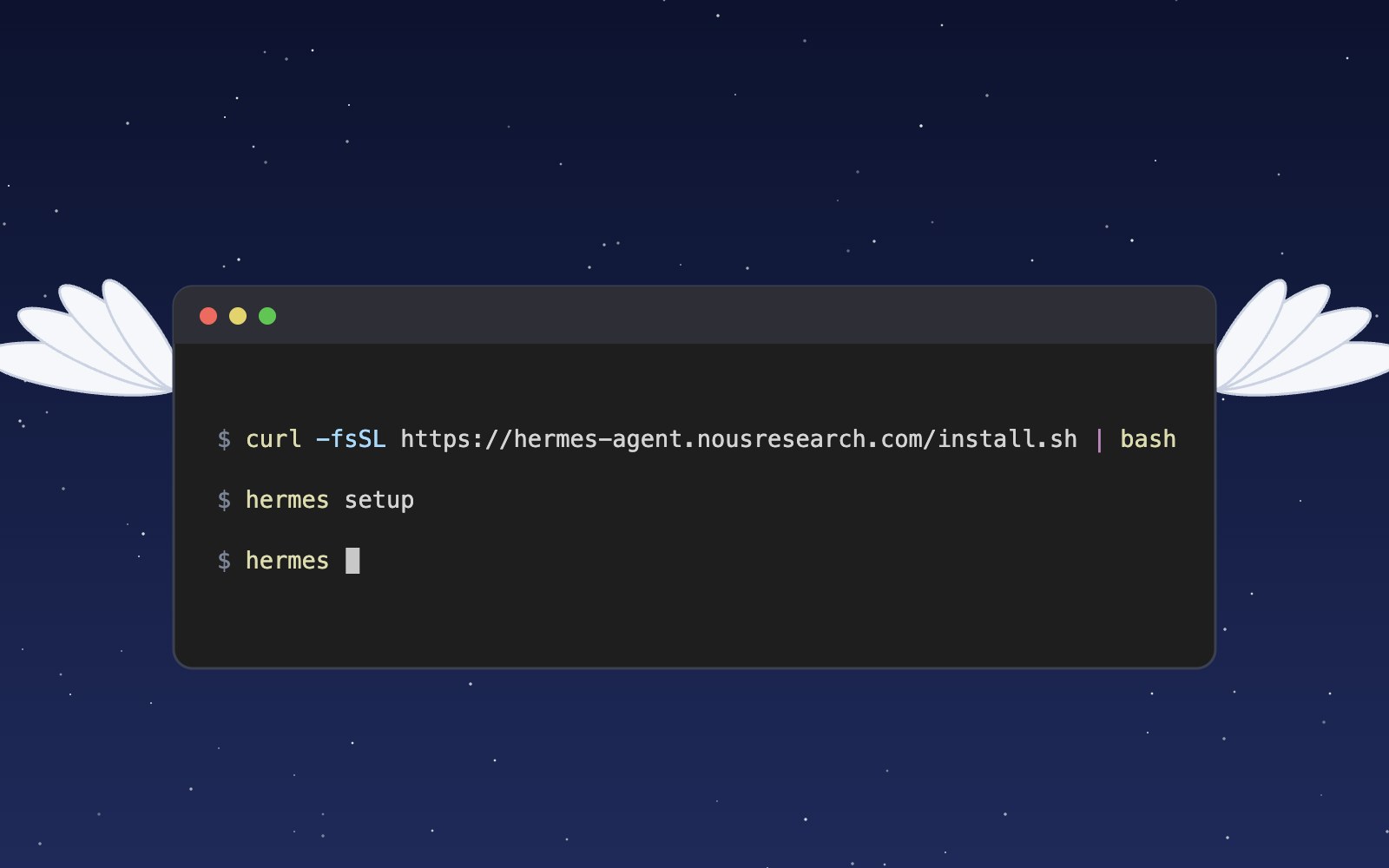
What is Hermes?
Hermes is an open source AI agent harness from Nous Research that runs on your own computer, uses tools, remembers past sessions and learns skills. Here is what it does and how to install and set it up.
Meet the Night Sky UI Kit
Three animated React components for dark, night-sky themed sites: a star cursor, a twinkling starfield and a soft aurora glow. Here is what's inside and how to add it.

Behind the Star Cursor
How the Star Cursor draws its comet tail and sparkle dust, and why it quietly steps aside on touch screens and for anyone who prefers reduced motion.
The moon is, in fact, an inanimate, dusty old rock
The moon is a layered ball of rock about 4.5 billion years old, wrapped in sharp gray dust and almost no air. Here is what it is made of, where it probably came from and why it barely changes.

How solar storms mess with satellites
The sun has weather, and some of it reaches us. Here is how solar flares and the storms that follow can sink satellites, scramble GPS and even trip power grids, and how people keep watch.

Patterns in sound
Sprinkle salt on a drum, play a steady note, and the grains slide into neat lines and rings. Here is why sound draws pictures, who first noticed, how to try it at home, and what all this has in common with a snowflake.

Most of the sound around you goes unheard
Human ears catch only a middle band of all the sound there is. Here is what we miss, which animals hear it, and why the hums and whines from our own gadgets can still get under our skin.
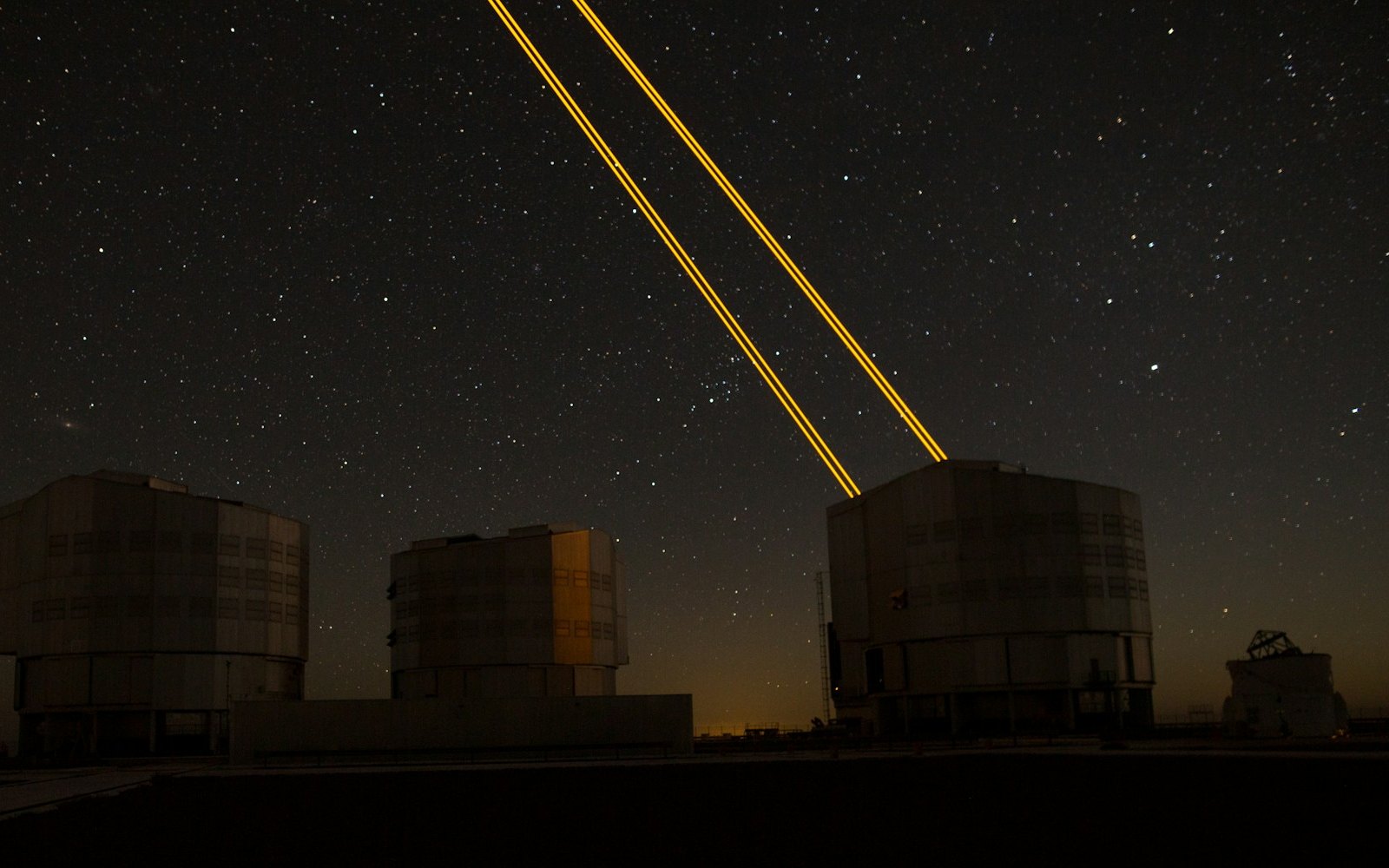
What is LaserSETI?
LaserSETI is a growing network of rooftop cameras that watch huge patches of the night sky for a single-color flash of light. Here is how it works, where the stations are in 2026, and what it has (and has not) found.
Most of the light around you is invisible
Our eyes catch only a thin band of all the light there is, from violet to red. Here is what we miss, which animals see more of it, and how we use the invisible rest every day.

The science of music
Why a good chorus gives you chills, why the Mozart effect fizzled, and why some songs refuse to leave your head. Here is what the research actually says about music, mood and focus.

Bill Nye is still teaching
A science show from the 1990s is still turning up in classrooms. Here is what Bill Nye the Science Guy was, why so many grownups remember it so fondly, and why teachers keep pressing play.

Why is the sky blue?
The sky is blue because the tiny bits of gas in the air reflect blue sunlight around much more than red light, so blue reaches our eyes from every part of the sky.

Why the sun and moon look the same size
The sun is about 400 times wider than the moon and also about 400 times farther away, so the two discs look almost the same size in our sky. That match is a coincidence of timing, and it will not last forever.
Bees fly more like drones than planes
A bumblebee stays in the air the way a drone or helicopter does, by moving its wings fast instead of racing forward over a stiff wing.

The earth is, in fact, actually round
You can check that Earth is round from a beach, a campsite or a phone call to a friend in another time zone. People worked it out more than two thousand years ago, and one of them even measured it with shadows.

5 trendy UI effects
A star cursor with a comet tail, frosted glass panels, scroll-driven animation, smooth page transitions and gradients that actually move, plus the one tip we would give for each.
How to make cards lift as you scroll on a phone
Phones can't hover, so our blog cards used to sit flat on mobile. Here's the small CSS class and IntersectionObserver we use to lift whichever card is in the middle of the screen as you scroll.

What llms.txt is, and how we added one to our site
A plain-English look at llms.txt, the proposed markdown file that gives AI assistants a short map of your site, what it can and can't promise, and how we wrote and tested our own.

Tell Google who you are with a few lines of code
Small business names collide, and search engines have to guess which one you meant. Organization structured data is one way a site owner can stop them guessing. Here's what it is, what we put in ours, and how to test it.
How to build a thought-bubble tooltip with pure CSS
A step-by-step CSS tutorial for a tooltip that reads its label from a data attribute, pops up in a rounded bubble, trails off in three little circles and stays clickable, with no JavaScript.

Building night sky effects that know when to sit out
How the Night Sky UI Kit's star cursor, starfield and aurora check the visitor's device and settings before they draw a single frame.

How visitors book a call on our site
Picking a time with us takes a few clicks and never leaves the page. Here is how the booking calendar on our site works, and the small checks that stop two people grabbing the same hour.

Inside our resumable, review-gated video production pipeline
How we built a local seven-step pipeline that turns a history topic into a captioned video, with resumable state, bounded retries, and a human review gate.