Building night sky effects that know when to sit out
How the Night Sky UI Kit's star cursor, starfield and aurora check the visitor's device and settings before they draw a single frame.
Decorative motion is easy to add and easy to get wrong. The Night Sky UI Kit is three React components: a star cursor with a comet tail, a twinkling starfield, and a soft aurora glow. Each one draws to a canvas, and each one starts by asking a question before it animates anything: should this run here at all? The answers come from the browser, not from guesses. Pointer type, reduced motion and whether the tab is visible all decide what a visitor actually sees.
The Star Cursor turns on only when a media query matches hover, a fine pointer and no reduced motion preference. It listens for changes to that query too, so switching on reduced motion mid-visit tears the effect down and brings the normal cursor back. The star and its tail are marked aria-hidden and ignore pointer events, so clicks and keyboard focus behave exactly as before. Touch support is opt-in through a touch prop, and a lifted finger hides the star, since a finger has no hover position.
The starfield and aurora take a gentler route. With reduced motion on, they draw one still frame and redraw it only when their section resizes, so the page keeps its look without movement. With motion allowed, both pause their animation loop while the tab is hidden and resume when it comes back. The starfield places stars on a jittered grid sized to the section's short side, and a scaleTo prop keeps short, wide sections from looking busier than tall ones.
The docs pages make these rules visible. Every component page has a live preview, a Customize panel whose usage snippet lists only the props you changed, and a reference section with Props and Accessibility tabs. The Accessibility tab states plainly how each effect treats screen readers and user settings. Building the touch demo surfaced a real snag: dragging inside the preview scrolled the page. On coarse pointers the preview now sets touch-action to none, and the hint text switches from mouse to finger wording.
Night Sky UI Kit
Every effect in this post, ready to drop into a React app.
- Star CursorA star-shaped cursor with an offset outline, a glowing comet tail, and sparkle dust. Turns on only for a mouse and stays off when the visitor prefers reduced motion.
- Night SkyA twinkling starfield for dark sections. Bright stars drift slightly toward the pointer. Draws a single still frame when the visitor prefers reduced motion.
- Aurora GlowSoft coloured lights that slowly drift and pulse behind a section. Draws a single still frame when the visitor prefers reduced motion.
More articles
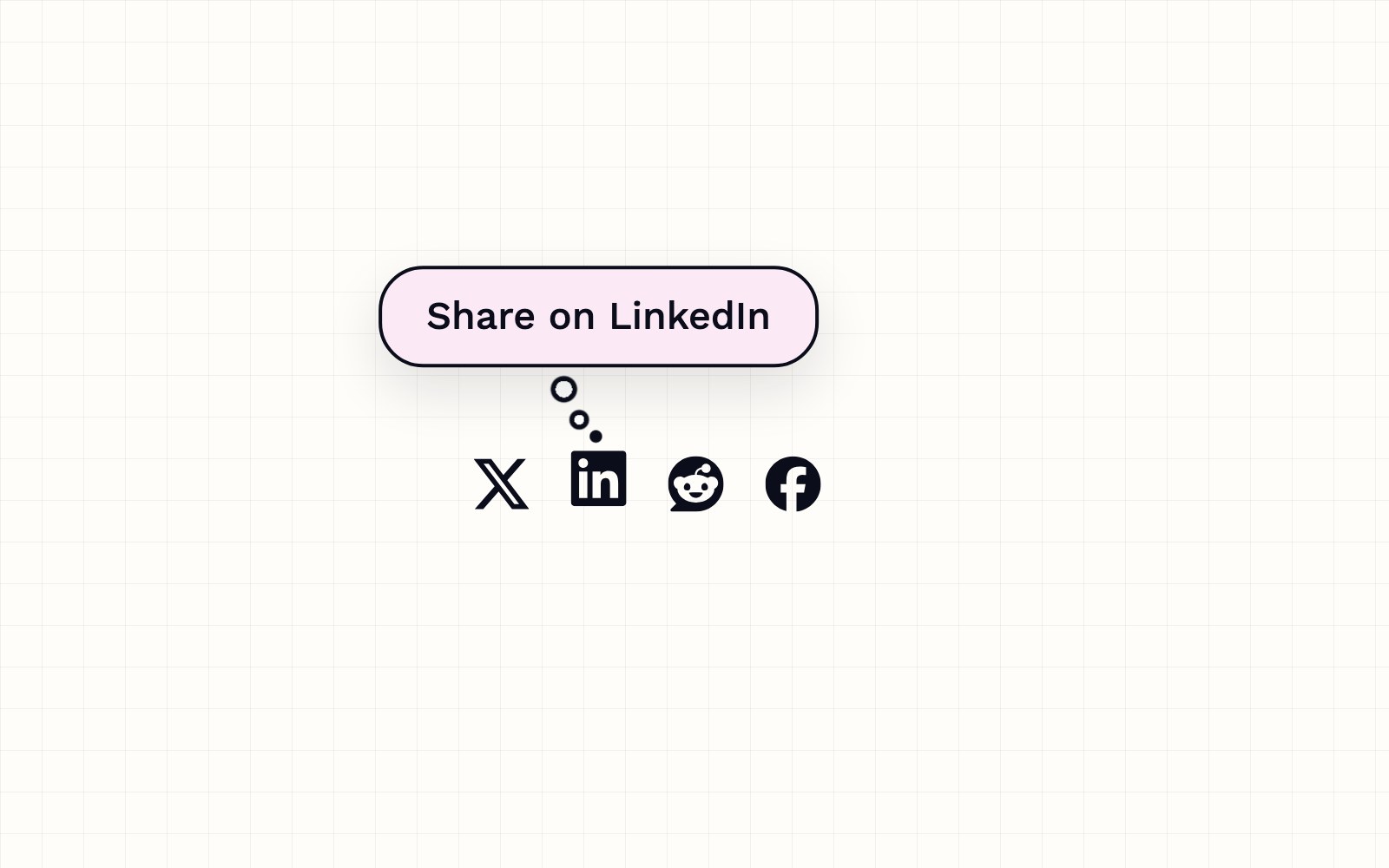
How to build a thought-bubble tooltip with pure CSS
A step-by-step CSS tutorial for a tooltip that reads its label from a data attribute, pops up in a rounded bubble, trails off in three little circles and stays clickable, with no JavaScript.
How Romeo learned to answer to its own name
Romeo ships a custom-trained Hey Romeo wake word, picks the right model format for your hardware, and hands your voice off to capture without extra clicks.
How our pull requests get an automatic first review
A Cloudflare Worker picks up GitHub pull request webhooks, has Claude review the diff, submits a real GitHub review, and posts the notification into the correct Slack channel for pull requests.
How visitors book a call on our site
A look at the site's booking flow: a custom scheduling component, a small two-route API, and the checks that keep a 60-minute call from being double-booked.
Inside our resumable, review-gated video production pipeline
How we built a local seven-step pipeline that turns a history topic into a captioned video, with resumable state, bounded retries, and a human review gate.